Home
# RFlect
**The RF engineer's toolkit for antenna measurement visualization and analysis.**
RFlect turns raw antenna-chamber and VNA output into publication-ready 2D/3D radiation pattern plots, TRP calculations, polarization analysis, UWB characterization, and DOCX reports — all validated against IEEE-standard methods.
Whether you're characterizing a BLE chip antenna, qualifying a cellular array, or tracking calibration drift across multiple chamber sessions, RFlect handles the heavy lifting.
What you get
Quickstart →
Install, import a measurement, render your first plot in under five minutes.
User Guide →
Active TRP, passive gain, S11, group delay, UWB, polarization, maritime — all the math.
MCP Server →
41 tools that let Claude Code & Cline drive RFlect programmatically.
Standard Procedures →
One call:
process_folder(...). Passive / active / cal-drift / UWB / auto.
Measurement Types →
Every scan type and analysis, its input format, and the MCP tool that drives it.
Hardware & Formats →
WTL chambers, Touchstone .s2p, S2VNA CSV, CST — the full input/output matrix.
Built for the way RF labs actually work
- No API key, no subscription, no LLM dependency — RFlect is a deterministic RF analysis + rendering toolkit. Every metric is computed, not generated.
- MCP server — 41 tools that let Claude Code, Cline, and other MCP clients drive RFlect programmatically. The agent is the LLM; RFlect provides the data and the rendering.
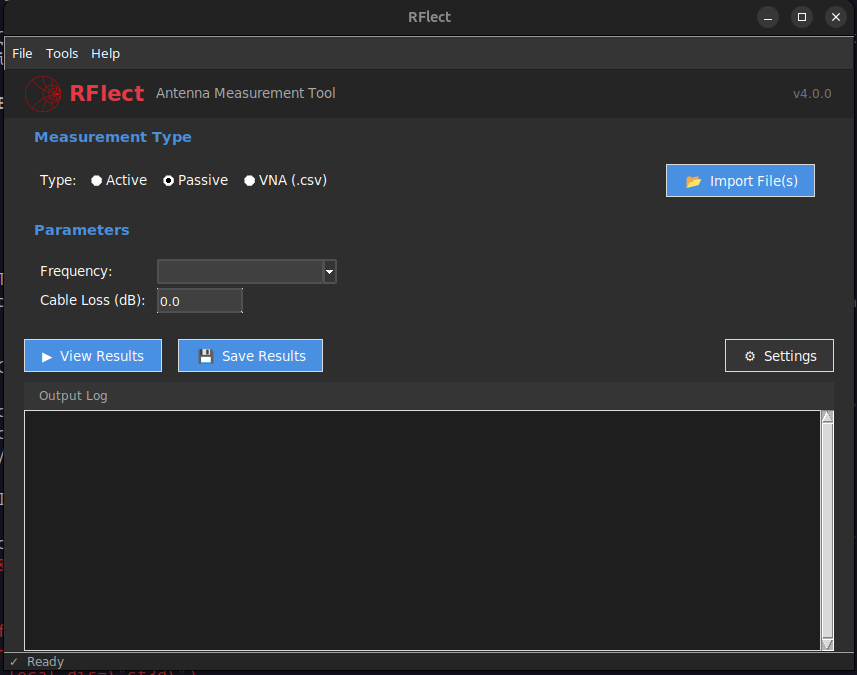
- GUI — desktop app (Tk-based, dark theme) for interactive review
- Agent-authored reports — DOCX with embedded plots and gain tables; prose is data-driven by default, or supplied by the driving agent via
generate_report'snarrativeparameter - Cal-drift tracker — record TRP-Cal runs over time, compare across epochs, flag setup-group mismatches
Inputs at a glance
| What you have | What RFlect produces |
|---|---|
WTL chamber .txt (active TRP) |
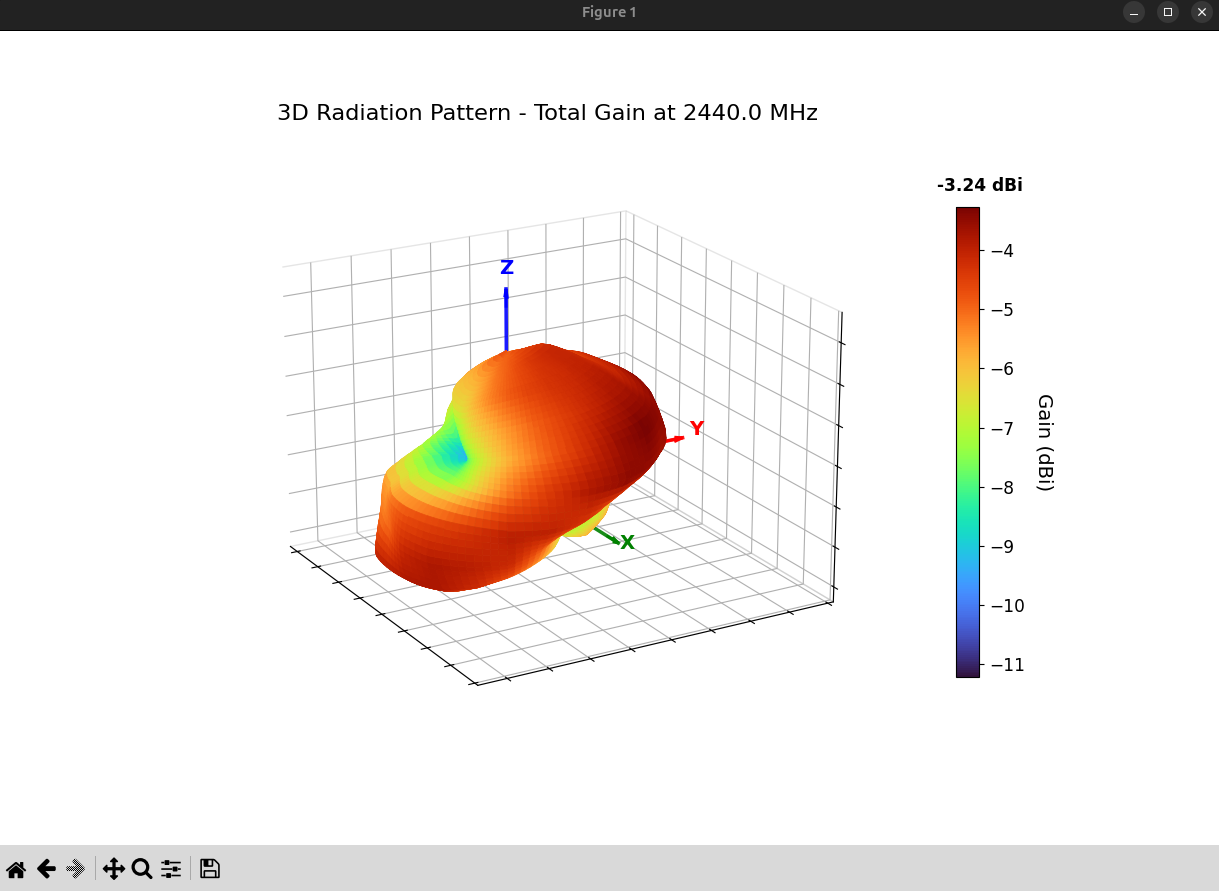
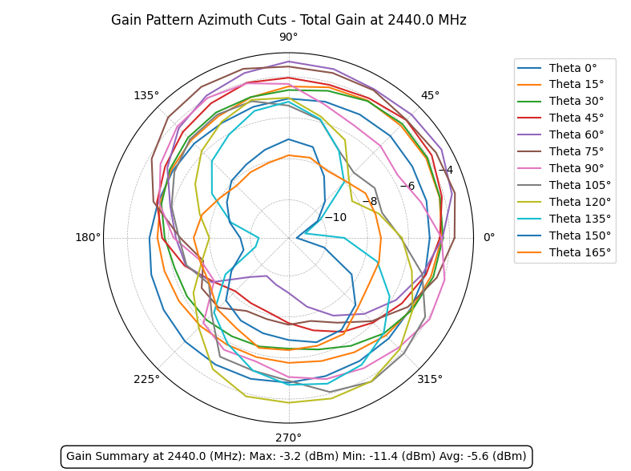
TRP, H/V power split, 2D/3D radiation patterns |
WTL chamber HPOL + VPOL .txt pair (passive) |
Total/H/V gain, efficiency, directivity, polarization metrics |
Copper Mountain / generic VNA .csv |
S11, VSWR, return loss with limit lines, impedance bandwidth |
2-port VNA .csv or Touchstone .s2p (group delay) |
Group delay vs frequency, peak-to-peak, distance error |
S2VNA .csv or Touchstone .s2p (UWB) |
SFF, transfer function, impulse response, impedance bandwidth |
| CST simulation export | ECC, fidelity factor, group delay |
| Folder of any of the above | One-call orchestration via the process_folder MCP tool |
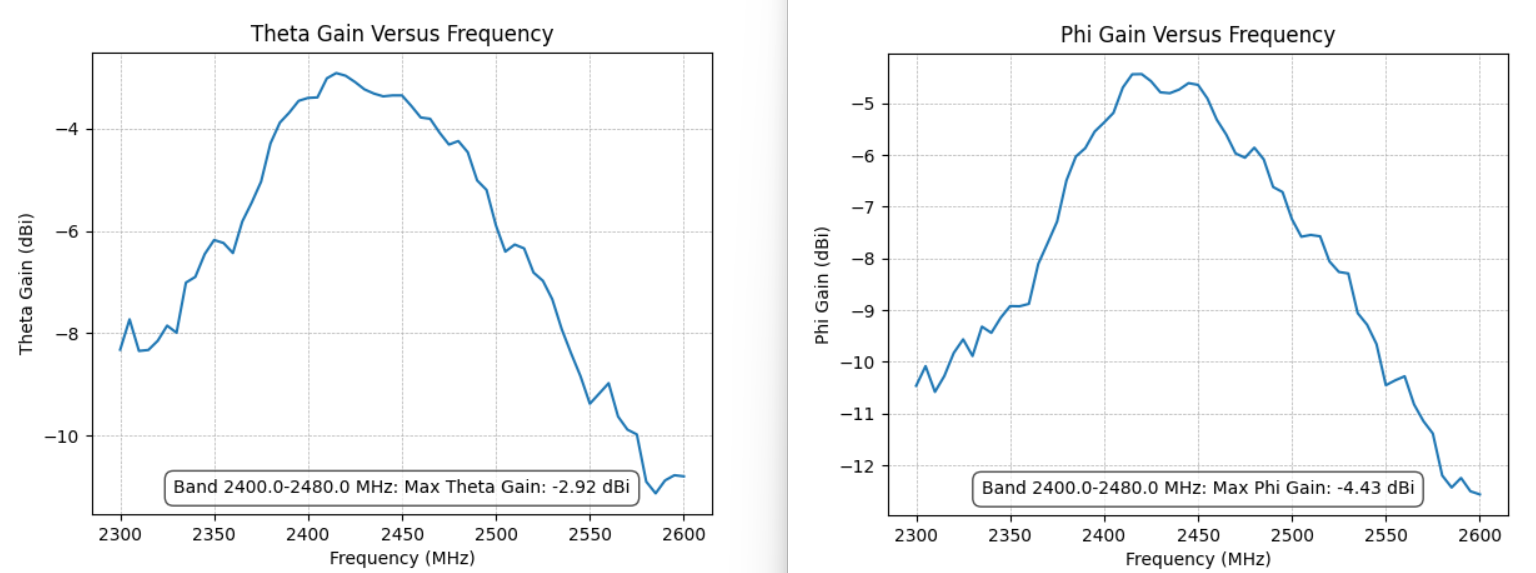
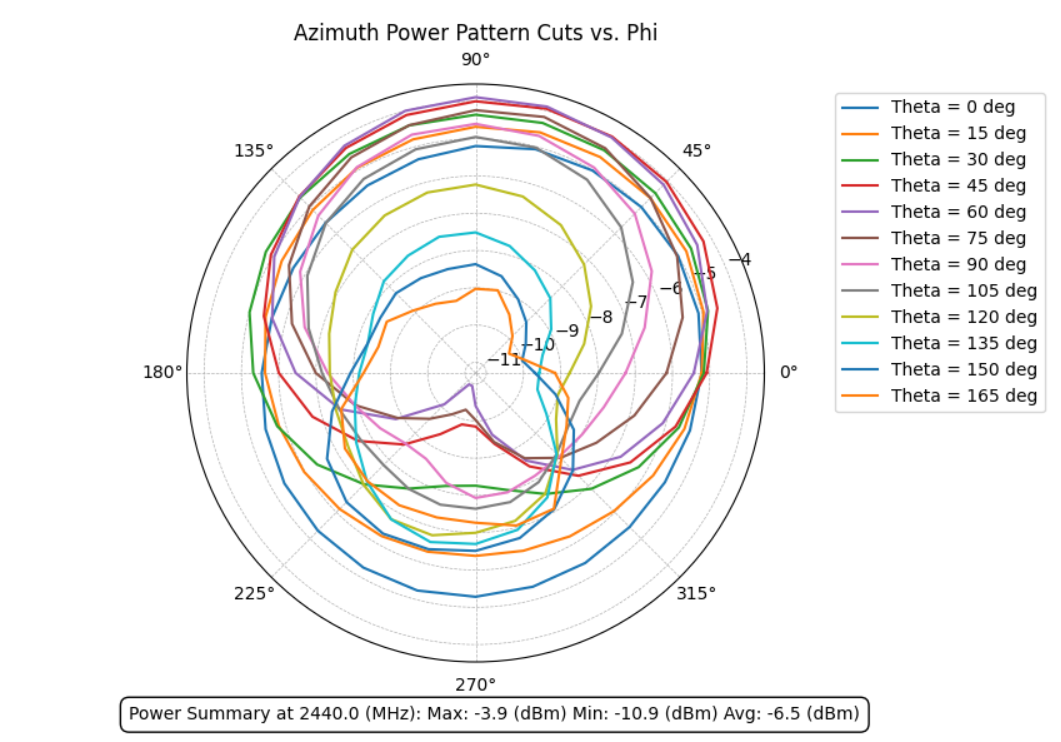
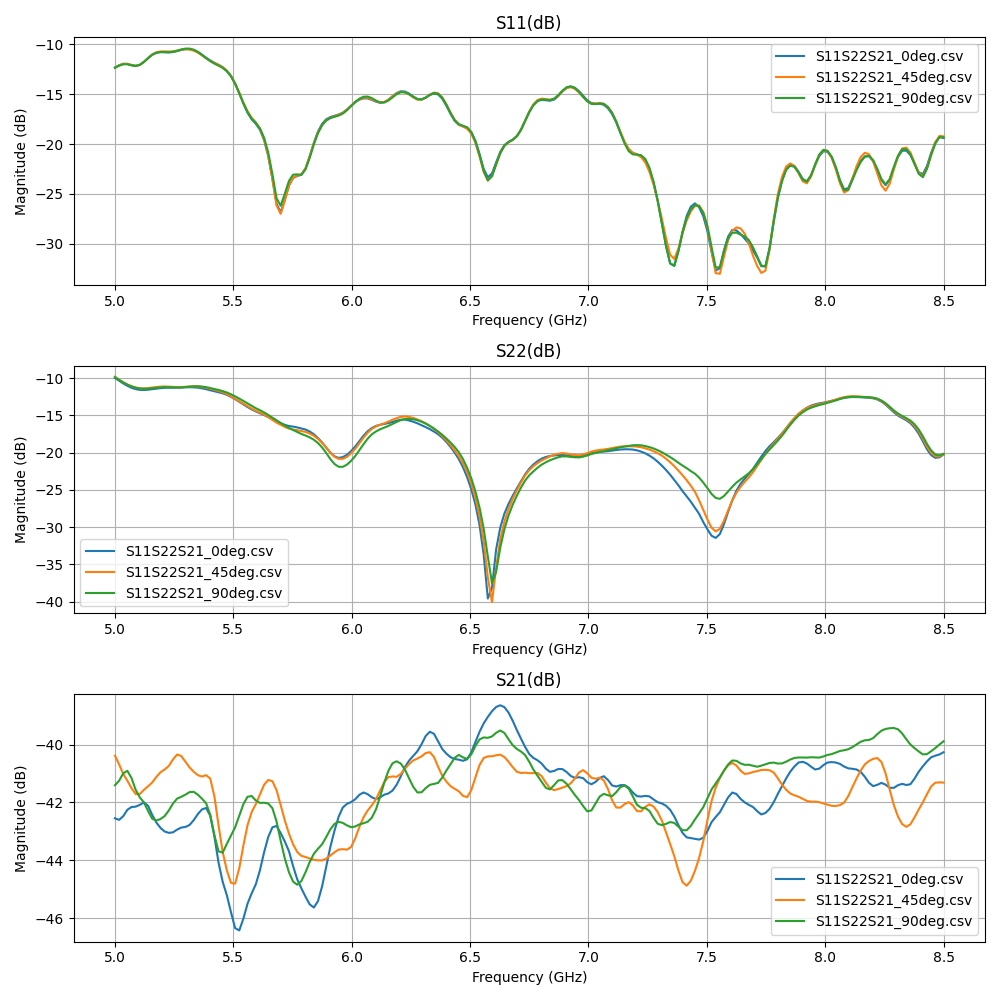
Sample outputs

Drive it from Claude
process_folder("/path/to/lab/captures")                     # auto-detect
process_folder("/path/to/wifi_antenna", intent="passive", report=True)
process_folder("/path/to/trp_runs",     intent="active",  report=True)
process_folder("/path/to/cal_archive",  intent="cal_drift")
process_folder("/path/to/uwb_sweep",    intent="uwb")
See MCP Recipes for the full set of standard procedures.